This topic contains 2 replies, has 2 voices, and was last updated by MiffMaster 1 year, 10 months ago.
-
AuthorPosts
-
21/11/2014 at 4:05 pm #10033
Spurred by my initial success with the “bridge fix”, I have been working on a way to shoehorn the CuraEngine under the hood of AutoMaker. It has been a much longer trip than I first anticipated. Then again, this is the first time I am doing anything close to this complex when it comes to programming (those online Python courses I have been taking really get to prove their worth).
So far I have managed to fit CuraEngine alongside Slic3r. This was important to me, because I wanted to be able to use my Robox while working on the Cura integration. I achieve this by two mechanics. First, step is to use separate robox profiles. The profiles meant to be used with Cura must have “cura” in the profile name (this way it will not interfere with the workings of AM). Next, the call to Slic3r by AM is intercepted and the profile name is checked for the presence of “cura”.
If cura is found in the profile name, a call to cura is made. If not, Slic3r will be called as usual (but that is old news, so let us focus on Cura).
So, cura has been called to slice the model. Unfortunately, AM does not like G-code generated by Cura. It have to be rearranged a bit, and some Slic3r-style comments added for AM to play along. This was by far the most tedious part. Not knowing what AM looks for or even can handle in the G-code, made this pure guess work. Though it does seem like I have figured it out.
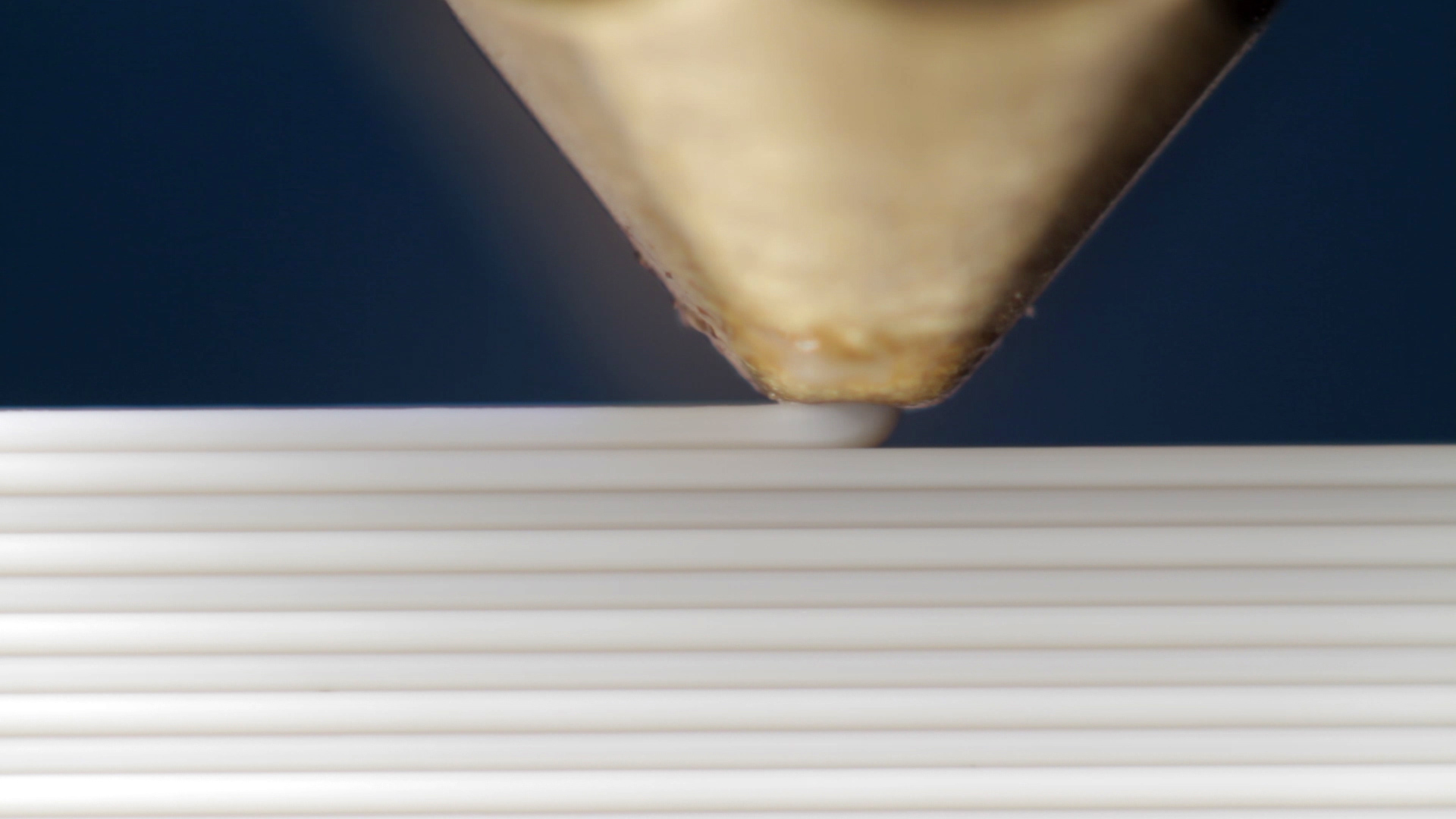
First print on the Robox sliced by CuraEngine
As you can see, the initial print quality leaves rather a lot to improve upon.
This approach will work for the equivalents of “draft” and “fine”. Cura does not seem to have the option of using different extrusion widths for different parts of the print. So there would be no point in switching nozzle back and forth. The only way I have come up with to get around this, is to slice the model TWICE. One time for the 0.3 nozzle and one time (carefully set up) for the 0.8 nozzle. Then splice those two G-codes together, keeping perimeters from the first slice, and infill from the second. I believe I can get this to work eventually. But for now, I will focus on getting draft and fine to a more acceptable print quality.
Also, cura is not compatible with slic3r settings. So for now I keep a separate cura-profile. The goal would be to extract key settings from the slic3r profile used by AM, and feed them to cura. That way it would feel much more streamlined, and integrated. If not almost transparent.
21/11/2014 at 5:35 pm #10039Nice work! And it makes perfect sense from the perspective of integration.
(BTW is this thread for Chatter or Software topic?)
“Not knowing what AM looks for or even can handle in the G-code, made this pure guess work.”
What I understand AM is definitively searching for comments for “perimeter”, “fill” and “support”. Also, there’s a search for “move inwards” comment, too, but I have no clue why.
Also, do you plan to share what you have done so far somehow? There might be people who could/wanted to help you with bits and pieces…
21/11/2014 at 6:38 pm #10044@clicky, I put this thread in chatter as I do not intend to share any specifics/instructions/code here. It is more of a heads up, and what to expect in a not too far future 🙂
That said, it is most definitely my intention to share this. Though, there are a few bits and pieces I which to finish up first. Most notably the part where basic settings will be extracted from the robox-slic3r profiles (the ones special made for Cura). I also which to have a better understanding of the settings available in Cura. The plan is to familiarize myself with these during the weekend, so that on Monday, I will know which settings to focus on. This should also help me to quickly improve the print quality to a usable state.
“What I understand AM is definitively searching for comments for “perimeter”, “fill” and “support”. Also, there’s a search for “move inwards” comment, too, but I have no clue why.”
This was interesting. perimeter ans fill, I already knew of. Support I have not really used. But the move inwards - this might be where AM performs wipe/nozzle-close operations. Will have to study this one next week.
-
AuthorPosts

You must be logged in to reply to this topic.