


A modification which will allow Robox users to print with flexible filaments such as Ninjaflex. Bowden tube printers struggle with flex materials but the patented needle valves on Robox give excellent results.
In future we will produce extruders with this part as standard, this mod is for reference only. We are working on the details of an upgrade service which when purchased will allow your Robox to be updated with the latest available parts.
WARNING! This mod is not supported by CEL or it’s resellers, any changes to your Robox or changes which affect it will not be covered by warranty.
WARNING! Never remove or connect any plugs or covers while power is supplied to Robox via the mains plug or by USB.
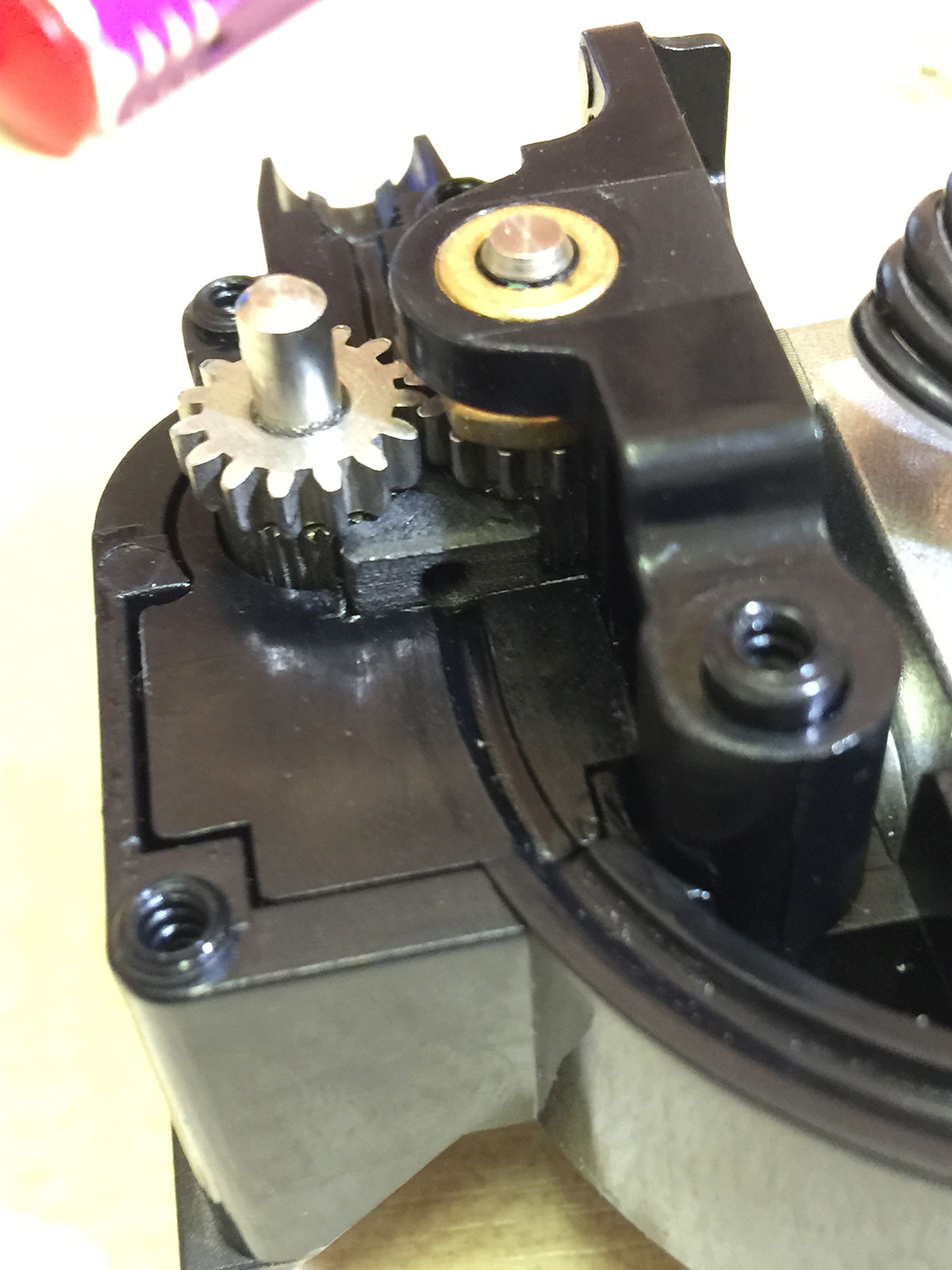
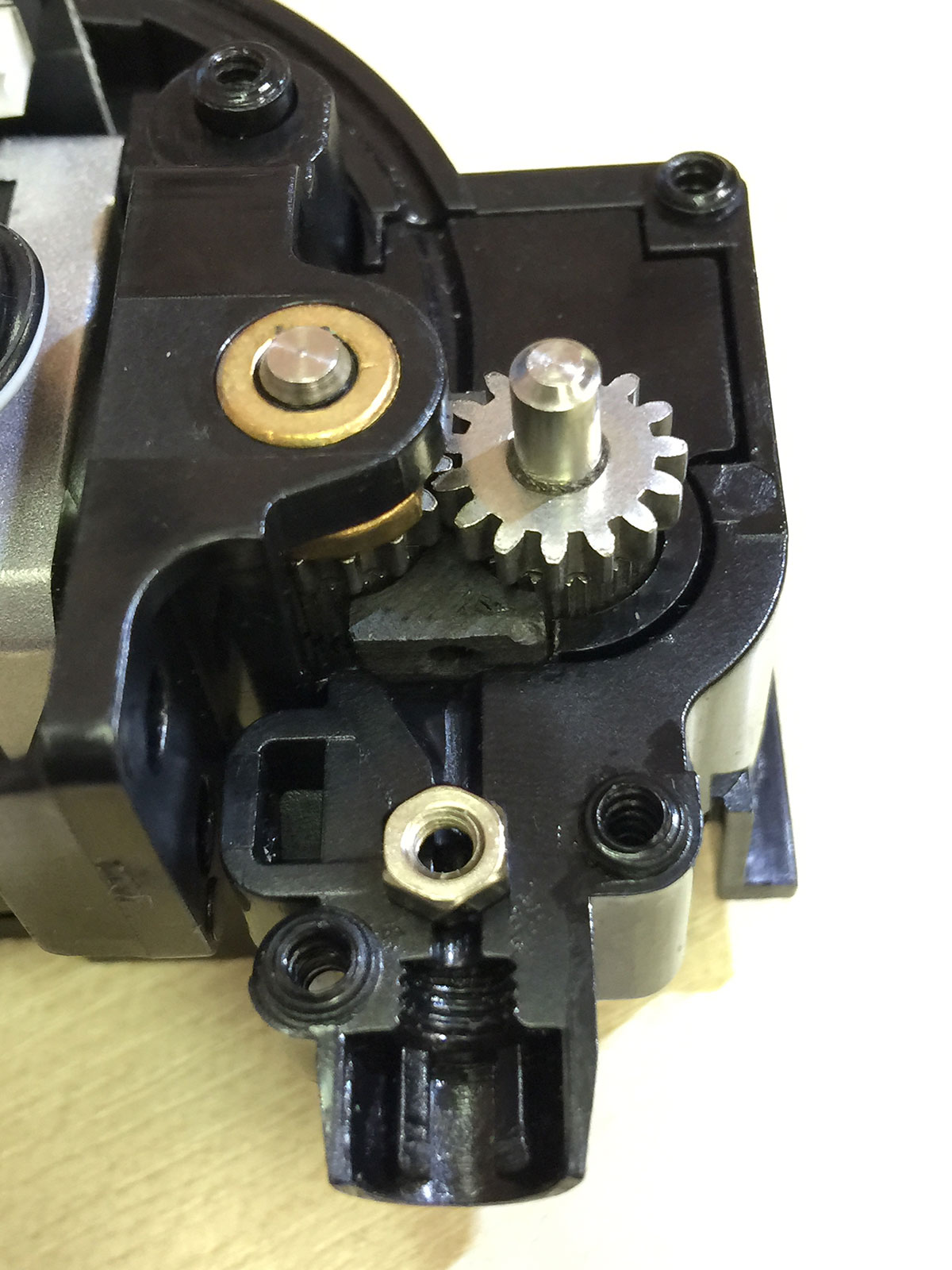
This mod prevents flexible filament (tested with Ninjaflex) from distorting in the gears of the extruder. Details of the mod are deliberately sparse as this should only be attempted by skilled people familiar with the required tools and with Robox.
Do not open any casing or remove any cables while power is present. Leaving Robox completely unplugged - including USB and mains cables - for at least 30 mins will allow capacitors to discharge and reduce the chance of a shock.

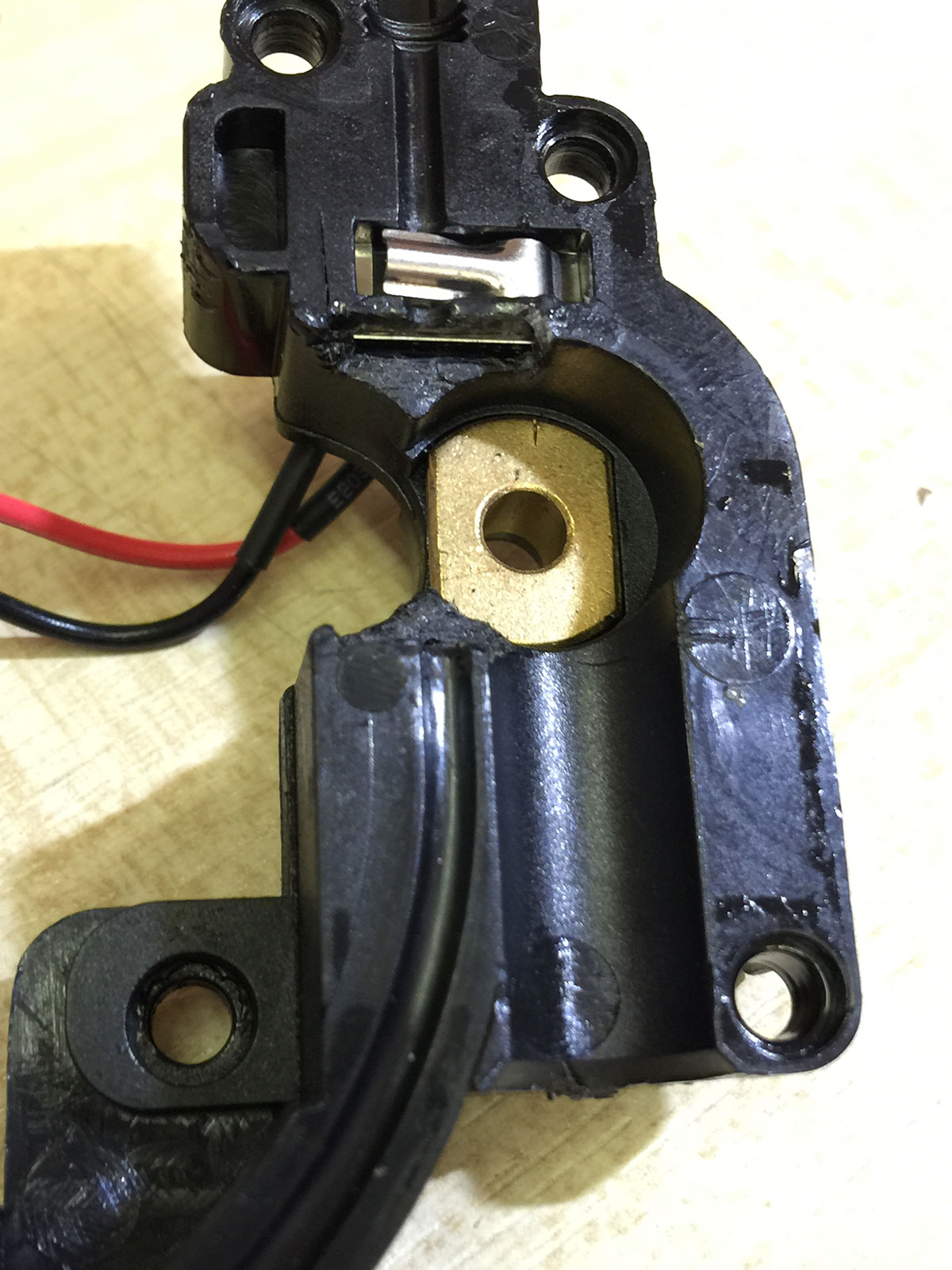
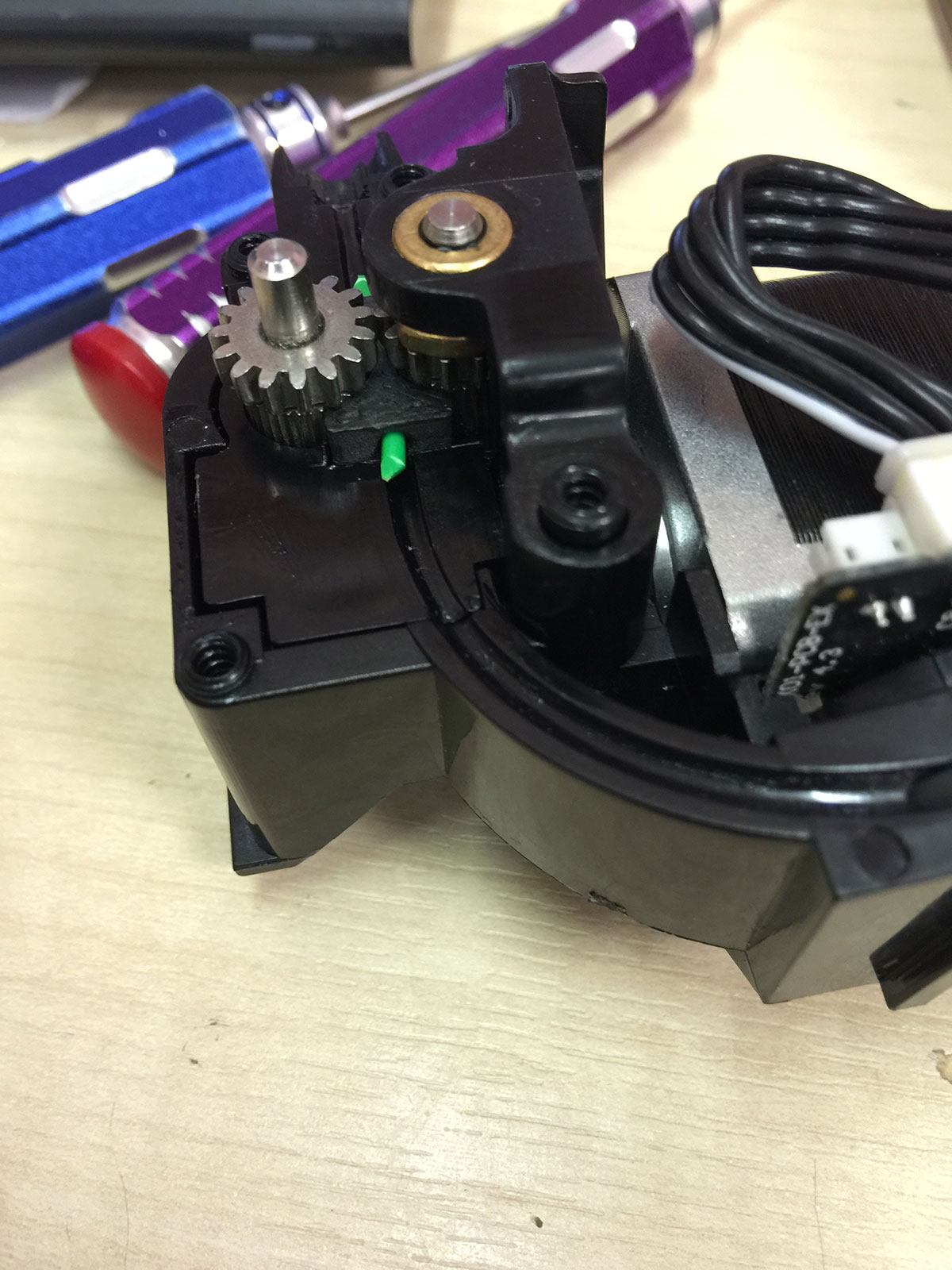
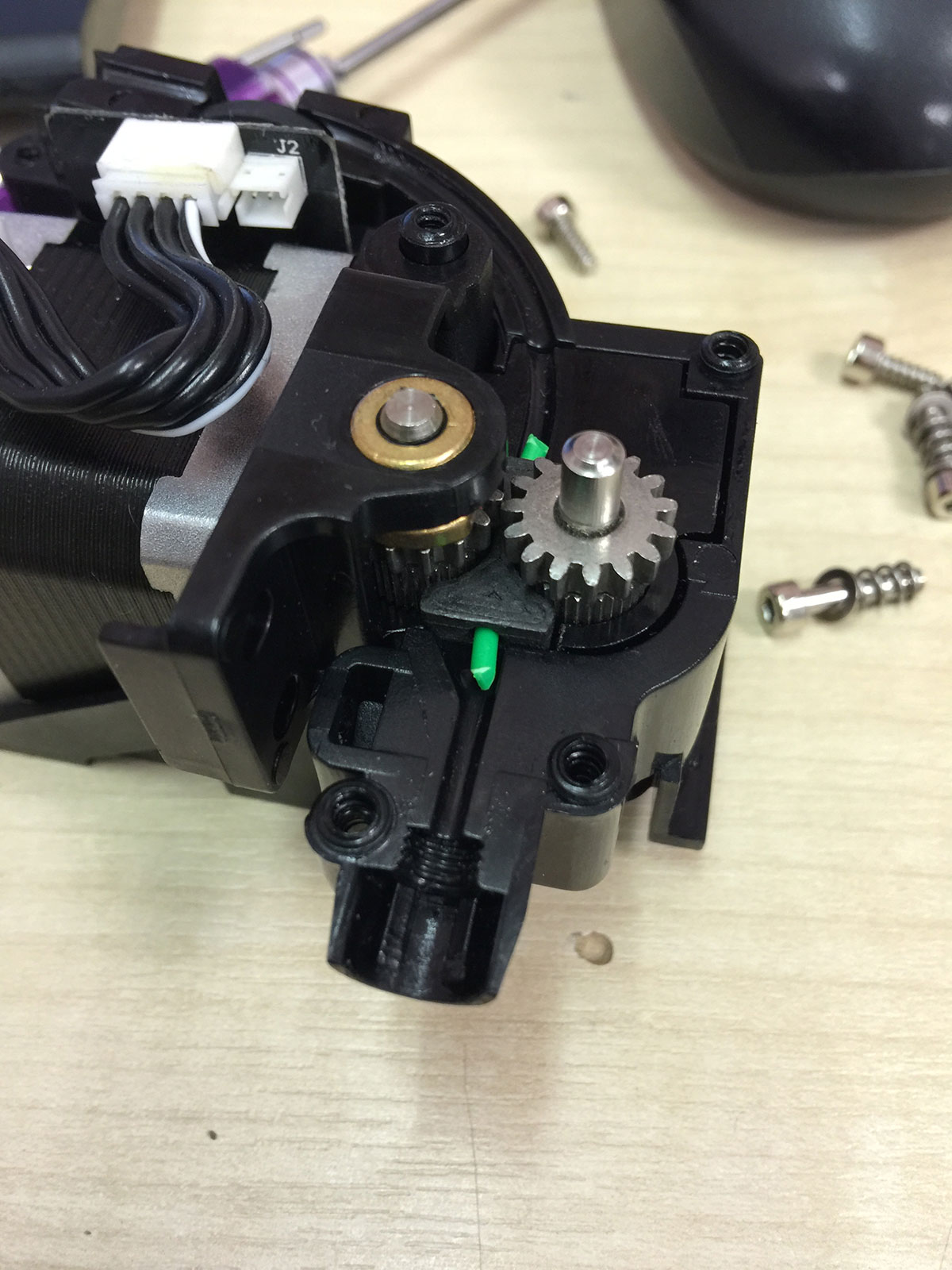
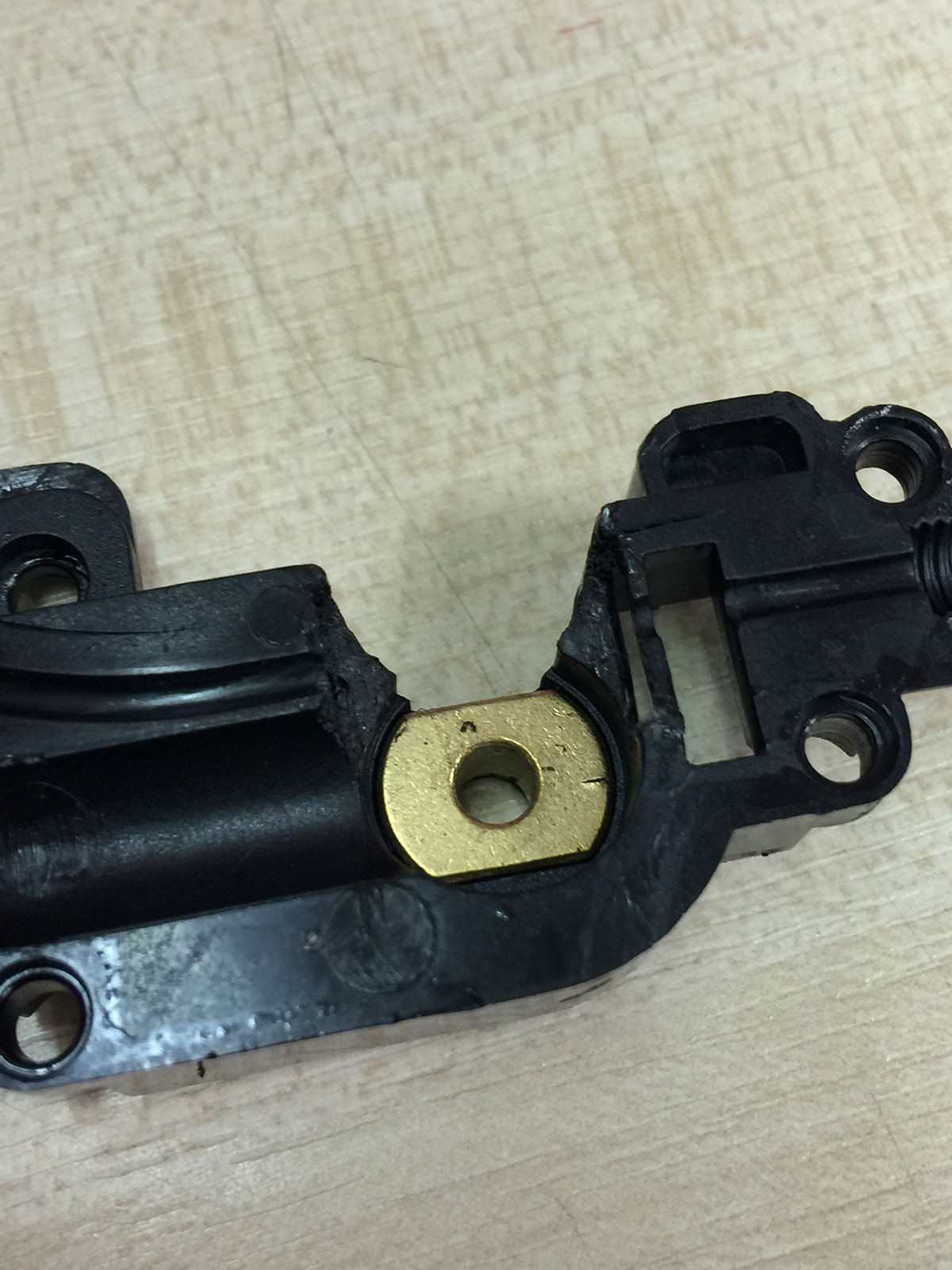
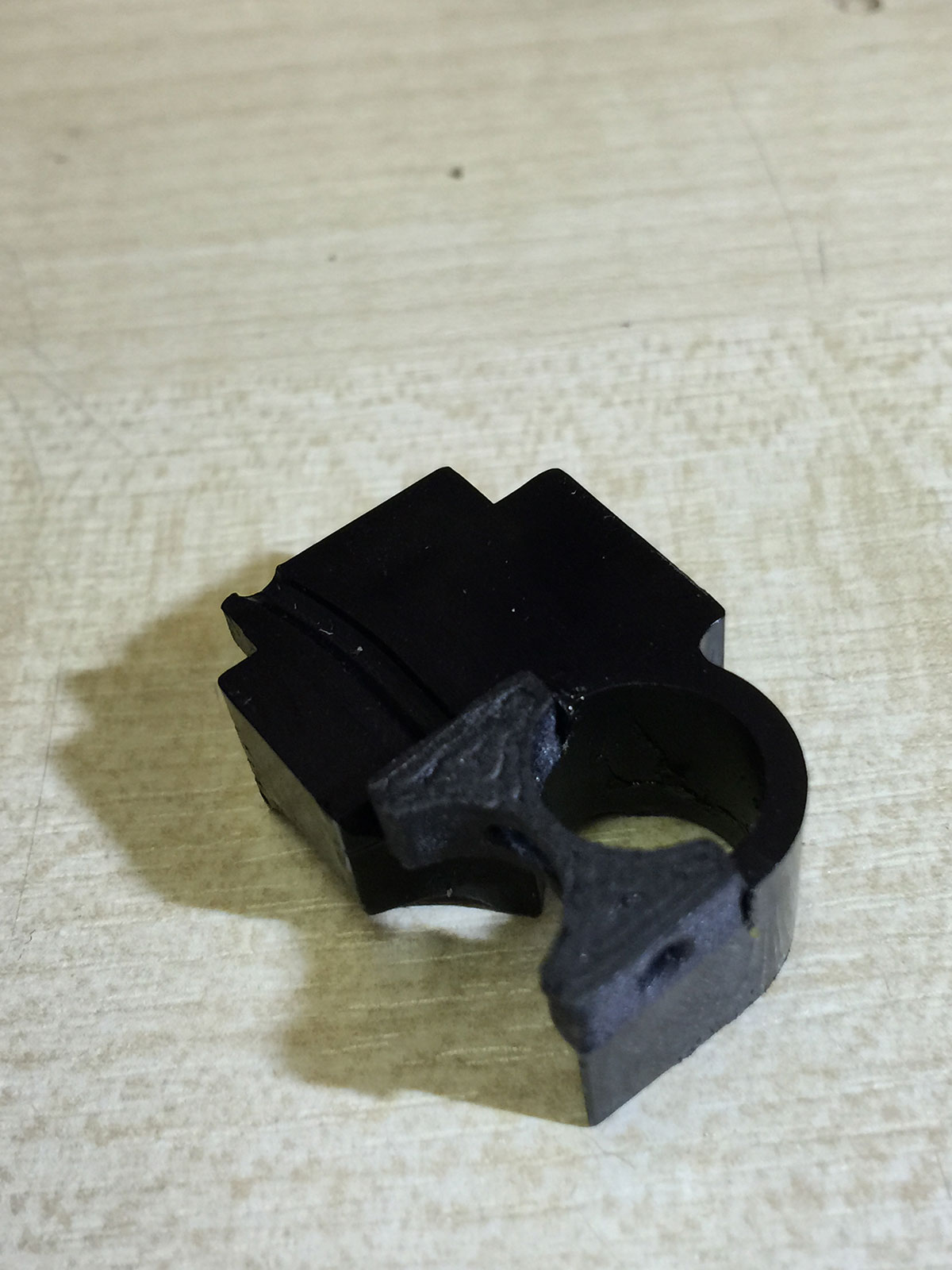
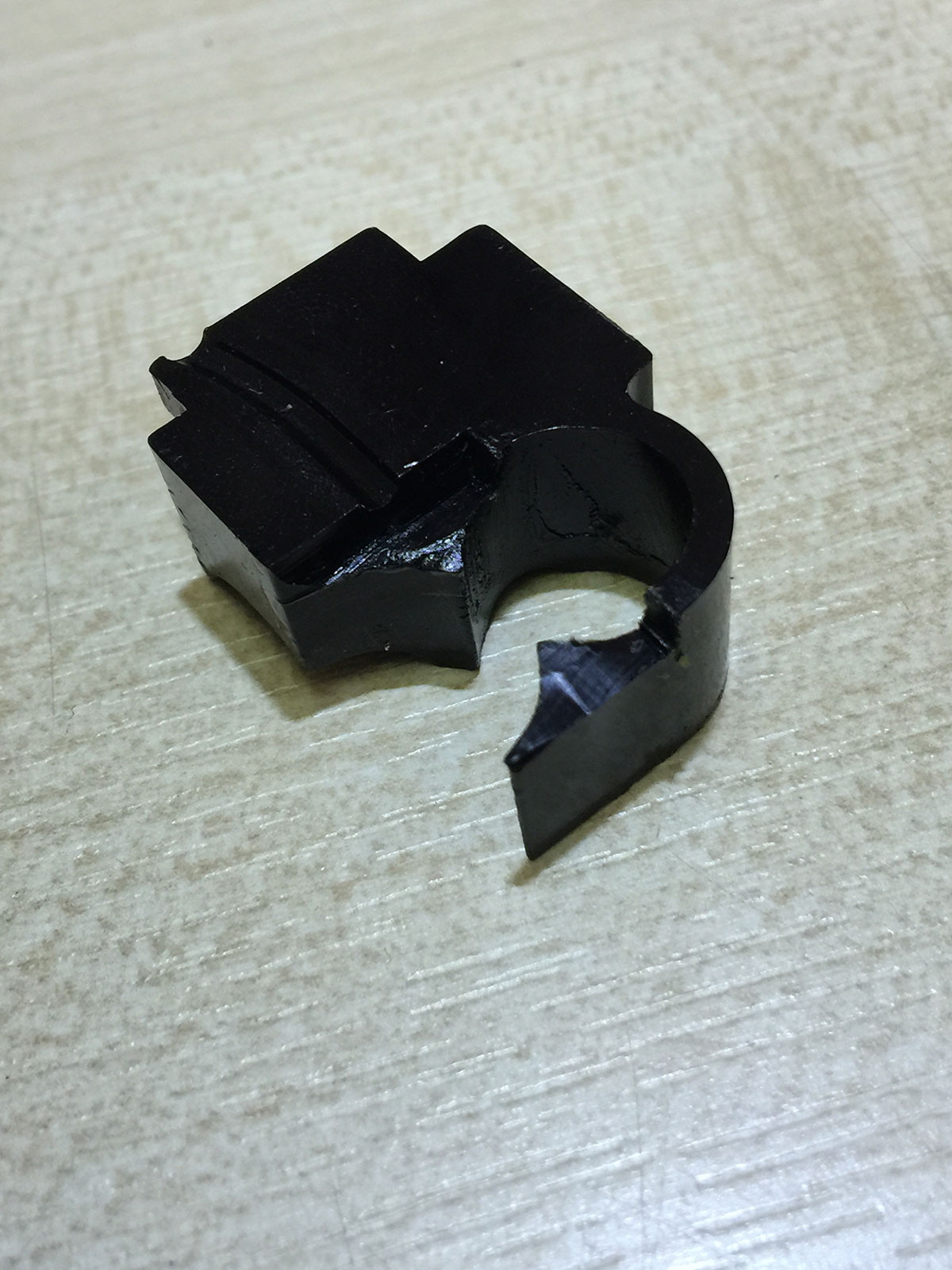
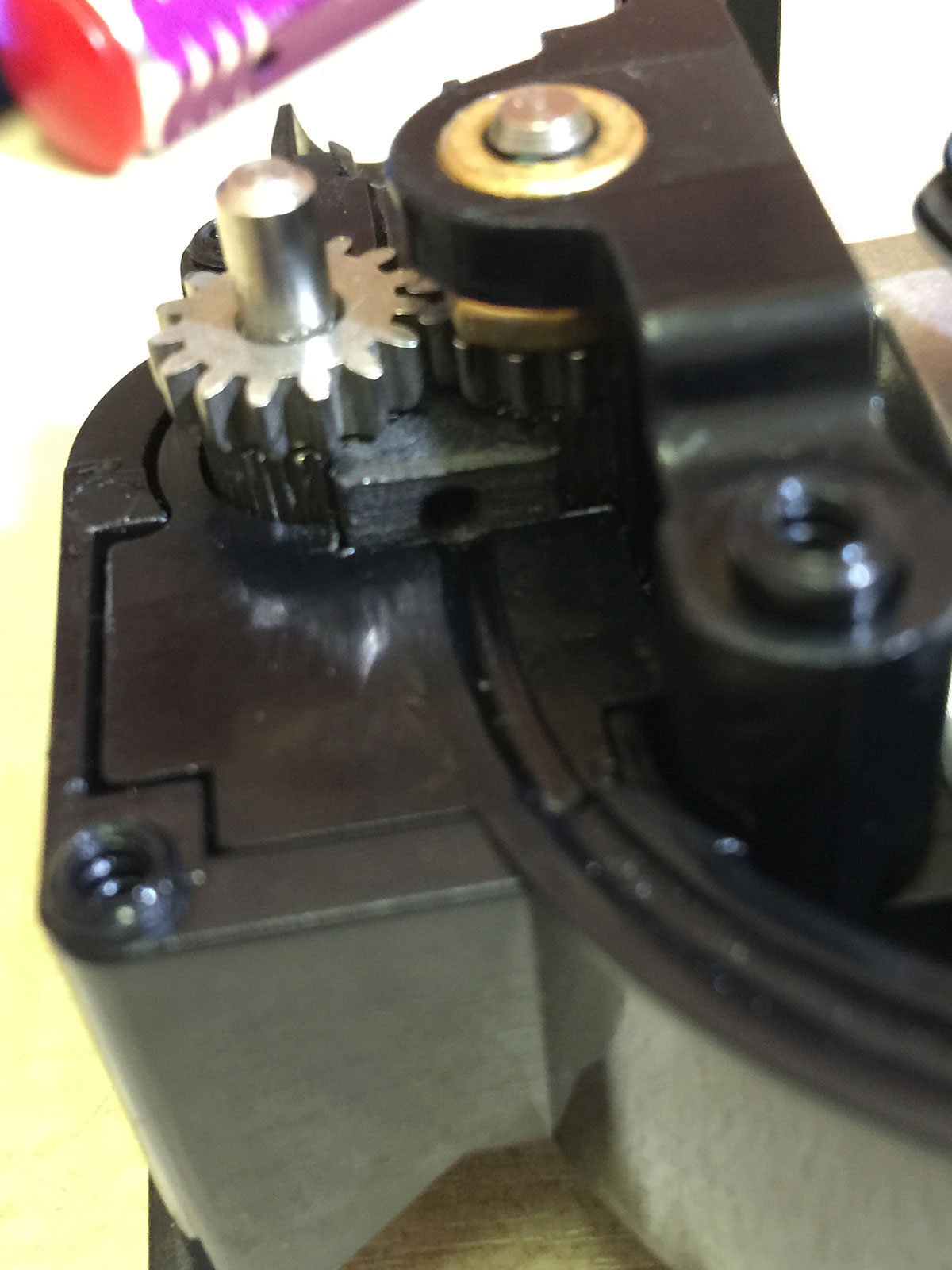
It requires printing of the small part shown above (flex_material_part.stl - print some spares before removing your extruder) which fits between the 2 filament drive wheels without stopping the filament from being driven by these wheels. To fit the part some of the extruder housing needs to be cut away from 2 parts of the extruder housing.
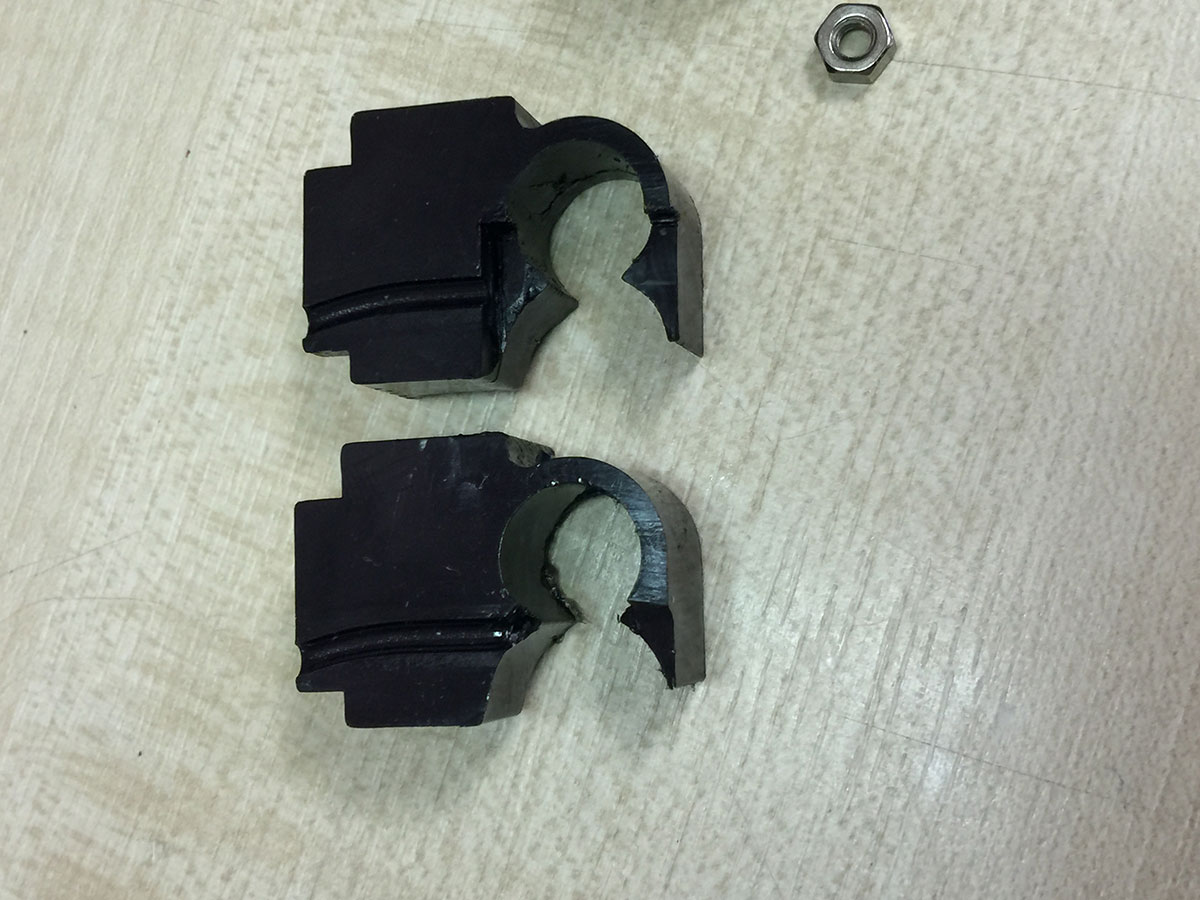
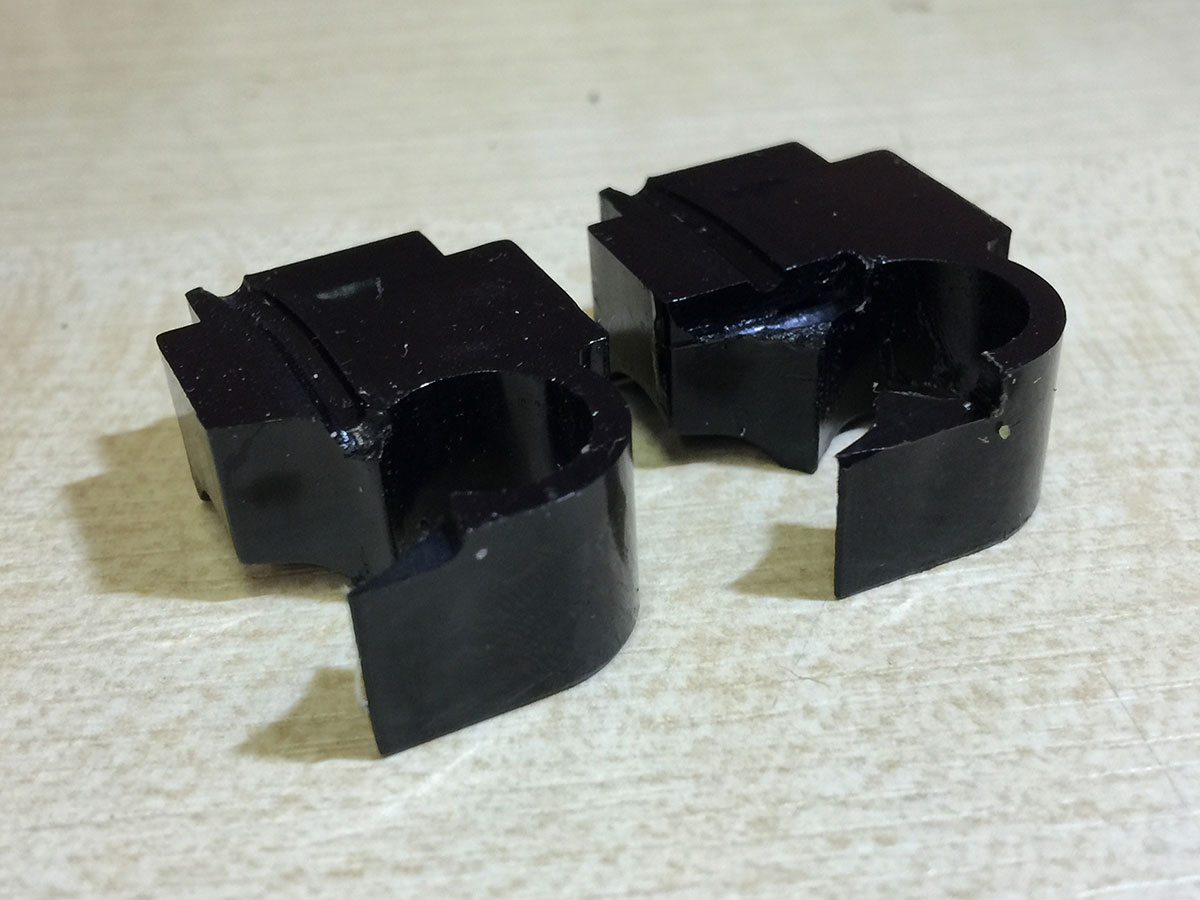
Above: Top part is modified, bottom is original.
Below: It is very important that the filament is not trapped by the new part. Use a piece of filament put through the central hole to keep the new part in place while marking prior to cutting.
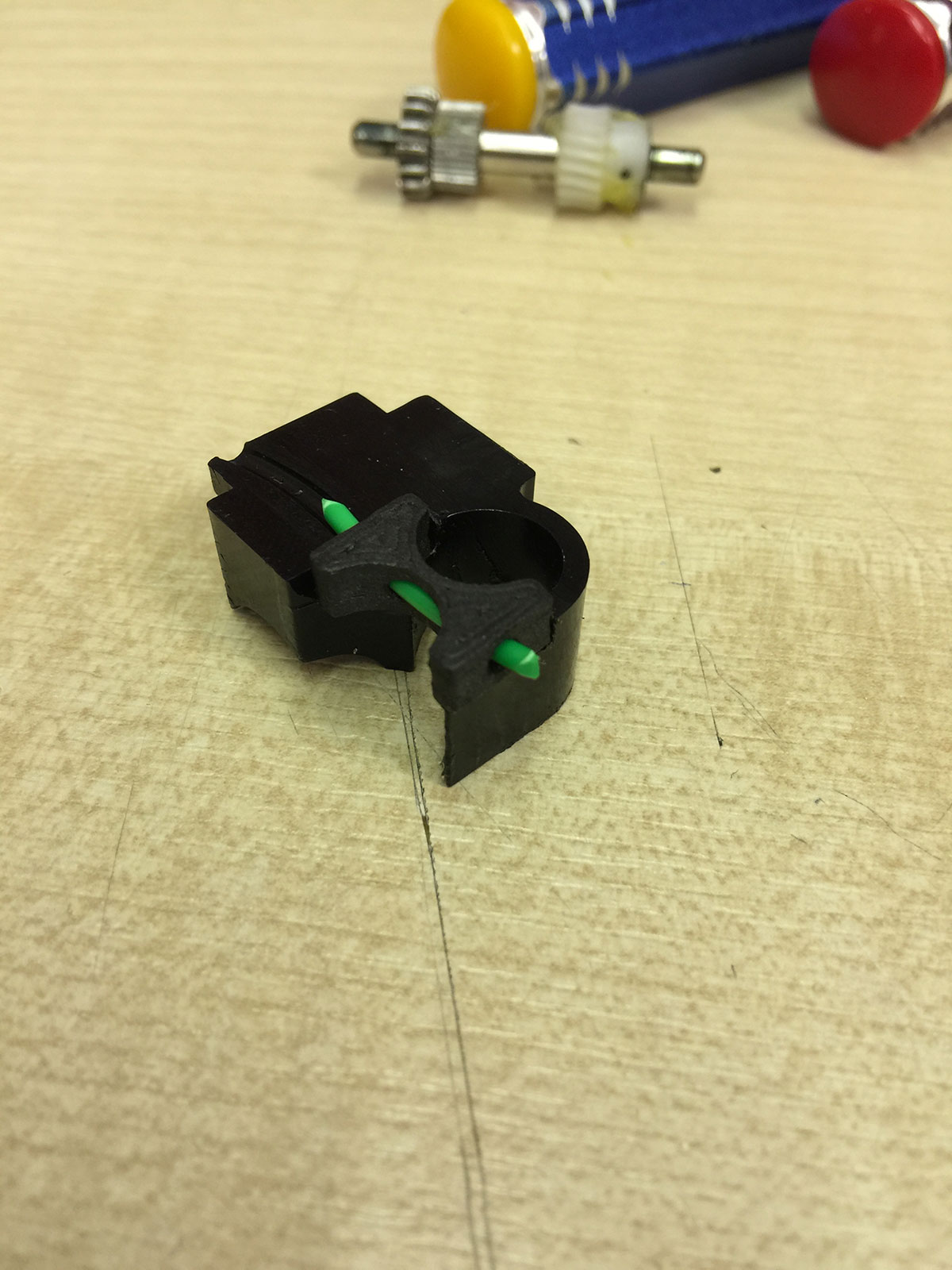
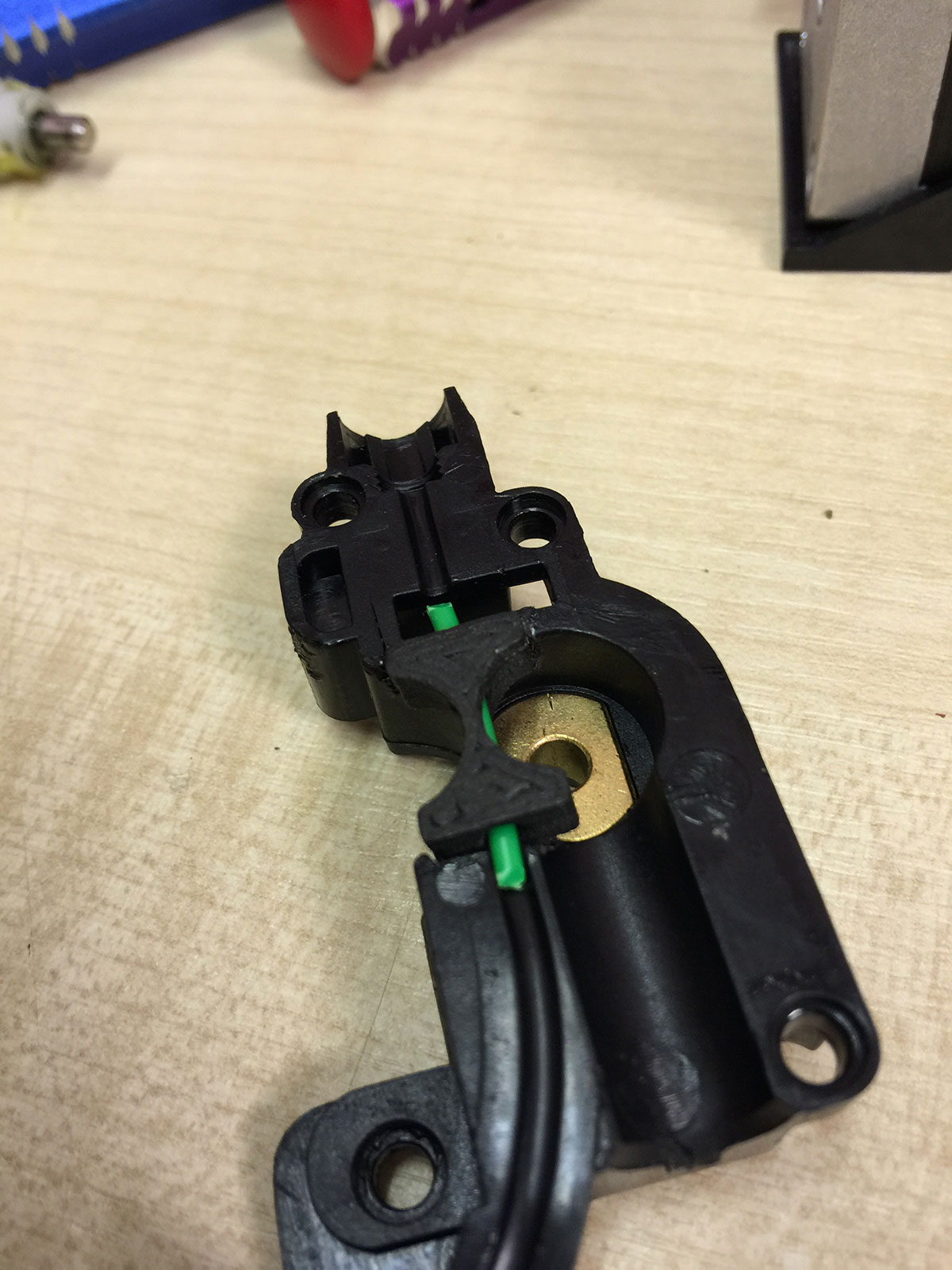
The depth of the cut is equal on each side. Take care to keep cuts square and neat, we used a grinder similar to a Dremel.
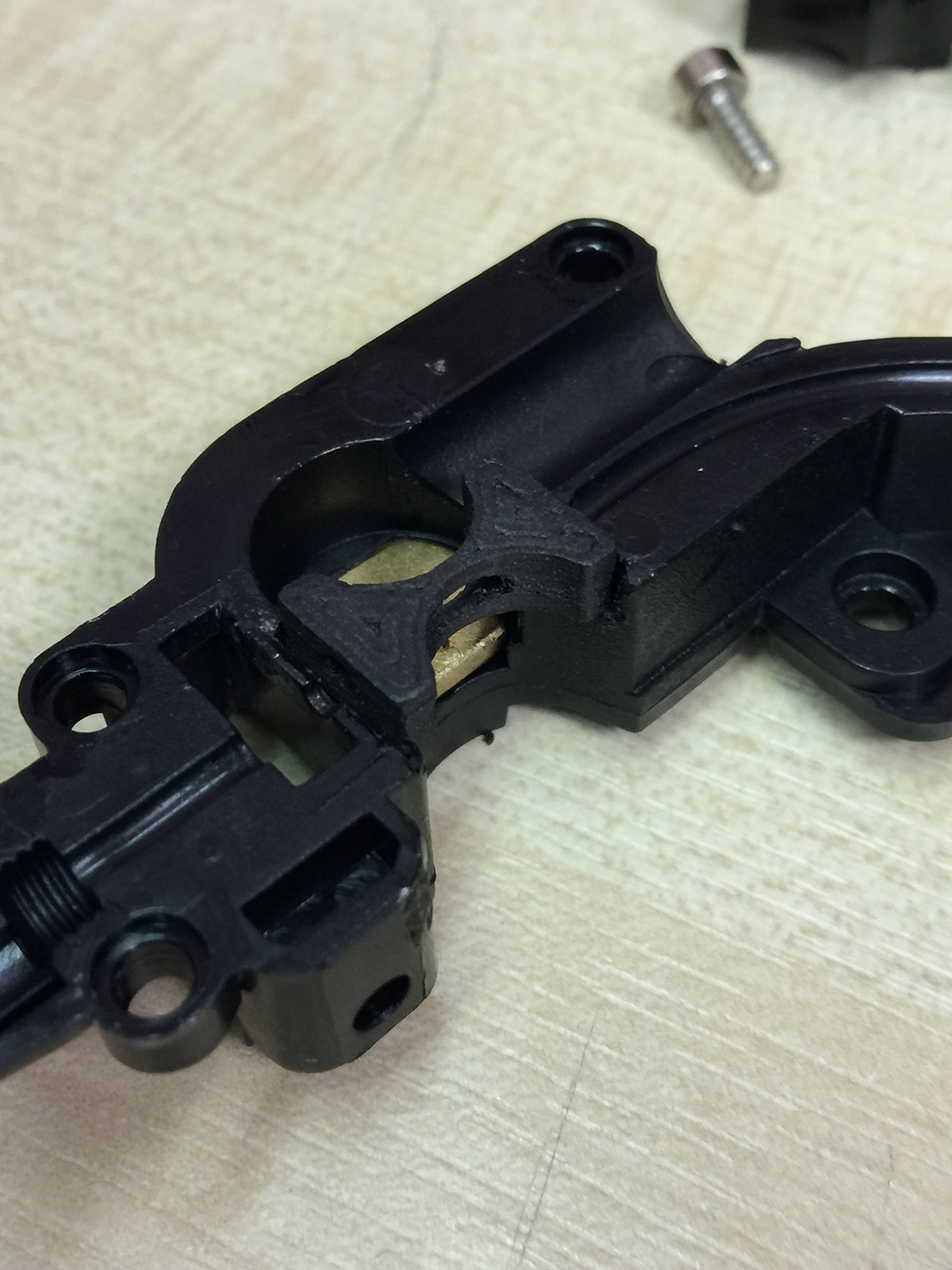
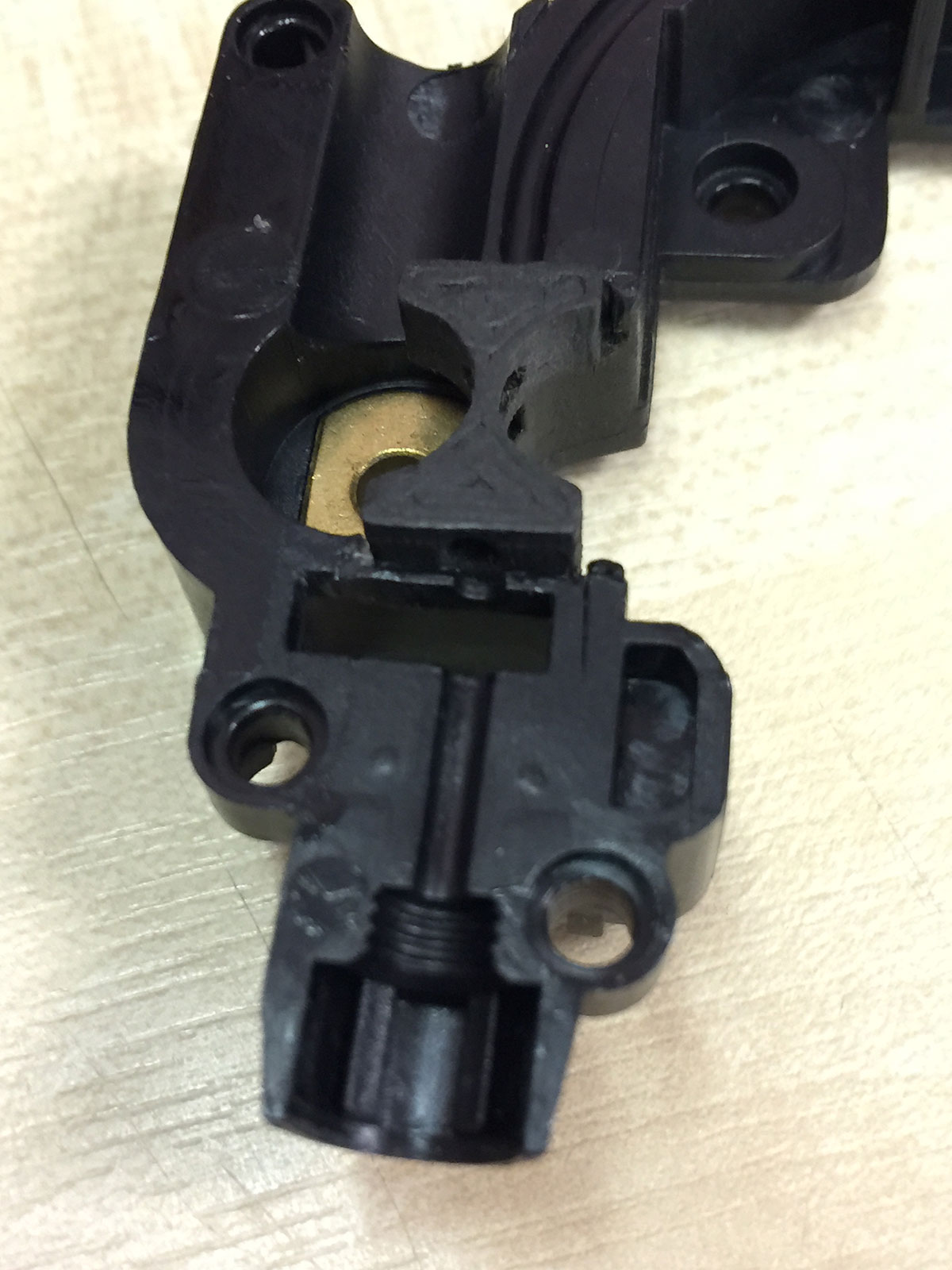
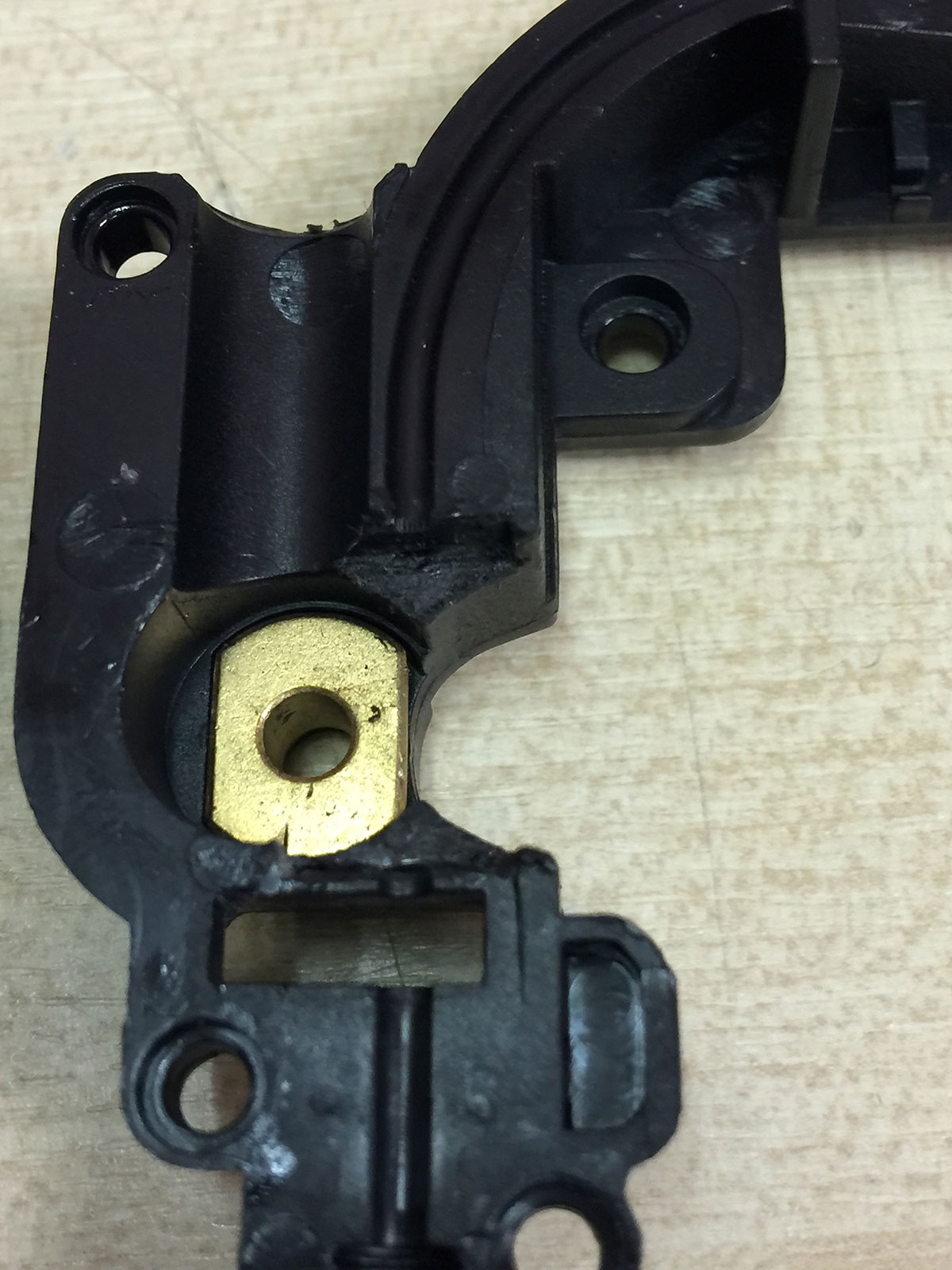
Remove small amounts of material and test the assembly often to ensure the fit is good.
Images below left for reference.




Nice. I personally like mine better as it doesn’t require modding the extruder but I might give yours a try.
Will we get a flex compatible extruder with the dual material head upgrade kit ?
yes, all extruders manufactured from now will have this feature. Robox is a safe bet for the best 3d printer title belt.
@Pete Are you saying that the extruders for sale now (http://robox.cel-uk.com/modules/replacement/rbx01-x1.html) have this feature and are able to handle flexible filaments?
Hi Ed, no, our current stock is still the old type. New ones are being made and we will soon have new plastic parts to update all the old stock.
@BHudson What did you change?
@pete Wouldn’t it be better if you print the a complete replacement?
A complete replacement is a nice idea but the part was designed to be injection moulded in PC which has a smooth surface and very important dimensional accuracy. The material allows various filament types to slide through it without negative effect and the parts need to remain perfect while enduring moderate stress.
@microcan I replaced the plastic surround for the worm gear and also added a printed spacer on the exit switch side.
Did any of you already tested the dual print head.
How well are two different materials connected. E.g. can you print flexible material on a bending joint? Can you combine PLA + Roboflex or ABS + Roboflex, or any other material that has elastic properties.
This is what I want too! Very much. Please make it happen guys.
We havent tested with Roboflex, most testing has been with Ninjaflex. We have an excellent hand model which has PLA “bones” and Ninjaflex “flesh”. To do this we simply paused and swapped reels, the bond is excellent. Using the Dual Material Head you will be able to create a fully enclosed hard structure with flexible overlays.
I expect the best bonds will come from designed in shapes to help them key together. In injection molding, to keep a soft overmolded grip in place there is usually several holes in the harder material which the soft material goes into. For FFF to do this you would have to either print 2 parts and join them or use Robox with the DM Head to print them simultaneously.
How can I tell if a printer I buy now (Fed 2016) has this upgrade without dismantling the extruders?
I was planning on buying from Farnell/Element 14.
The new RBX01-EX2 extruders are grey, the old one is black. I doubt any of the stock currently (4th Feb 2016) in warehouses has new extruders.
@pete Just wondering if an upgrade kit for the old extruder design can be purchased for printing flexible filament?