Home › Forums › Technical Support › RESOLVED: Printing vase with spiral mode
This topic contains 19 replies, has 9 voices, and was last updated by  Chris White 1 month ago.
-
AuthorPosts
-
21/01/2015 at 8:48 am #14290
@eddyogi but what about feeding gcode directly to AM? AM has send gcode to printer option somewhere.
21/01/2015 at 10:36 am #14294In the video I can read “1 mm walls using 0.8mm nozzle”.
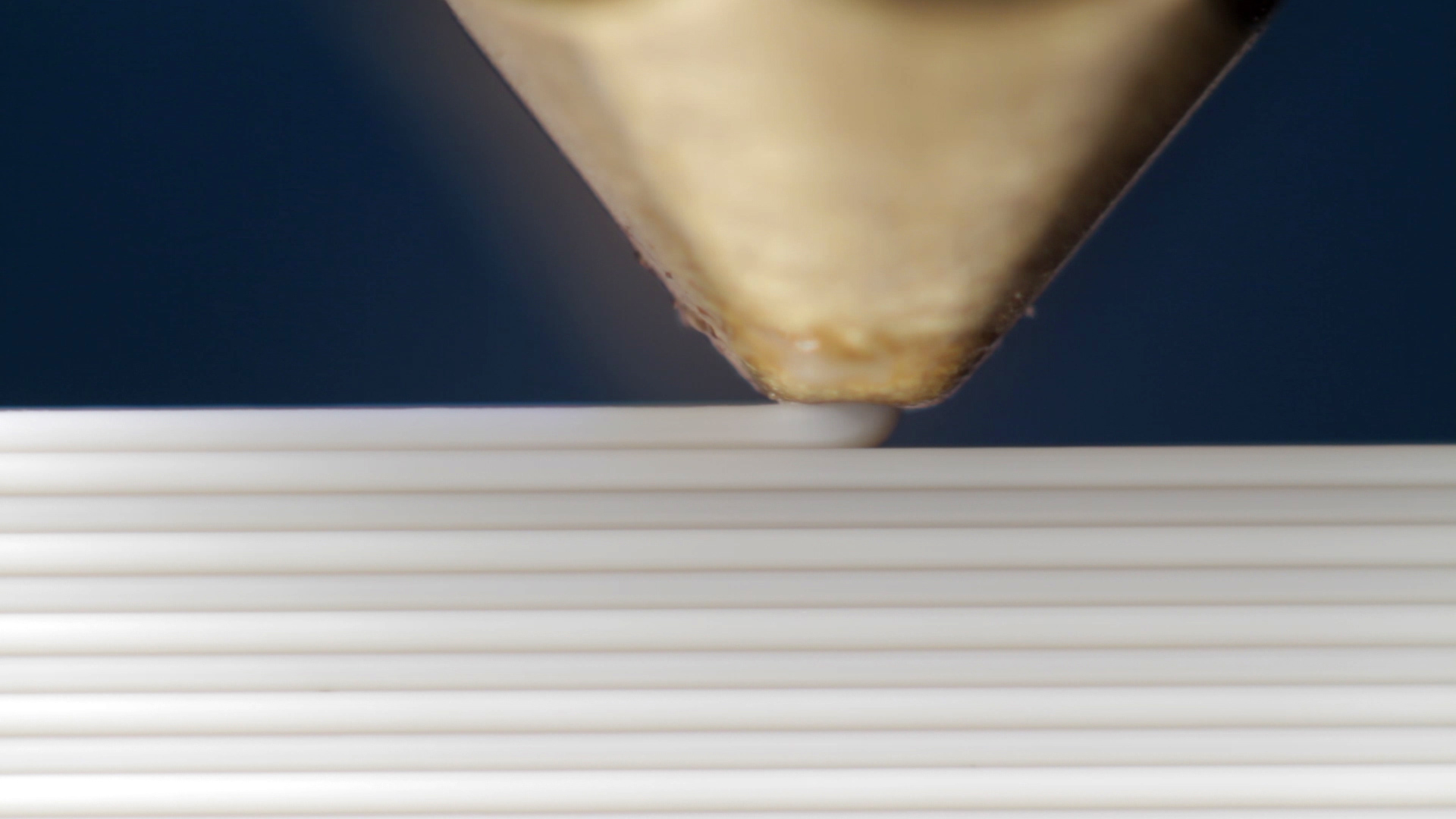
I’m curious: how can a 0.8mm nozzle produce a 1 mm wall? By over-extruding?
21/01/2015 at 11:35 am #14302By controlling the amount of material pushed out yes. The draft profile actually uses 1.0mm for the first layer and infil, 0.8mm for perimeters and 0.60mm for “top solid infill” all out of the 0.8mm nozzle, while the normal and fine modes push the 0.3mm nozzle up to 0.6mm for first layers.
- This reply was modified 1 year, 5 months ago by Andy S.
21/01/2015 at 2:30 pm #14321Thanks for confirming this. And the quality is good (vs extruding for real nozzle size)?
21/01/2015 at 7:04 pm #14328i’m guessing that spiral print needs to be a single wall, no fill, no support set-up.
23/01/2015 at 7:56 am #14423@click I’m afraid I’ve only been sends ng gcode directly via AM to control the nozzle temp. I have not tried to send complicated gcode
3d printing enthusiast
Replicator 2
Mojo
Makergear M223/01/2015 at 8:13 am #14426@eddyogi Fair enough. I just said that there’s an option. Not so nice of me is that I never used that option! O : )
But, I did send gcode produced by AM to printer without AM through https://github.com/natdan/rbx-toolset…
Now, when think about it - I wouldn’t just take any gcode and push it in to printer. I would first try to understand that gcode I am sending is ‘safe’ for Robox - that extruder won’t push too much filament in head so it builds up pressure and leaks, that correct Mxxx codes are sent to control head and bed temperatures, that ‘correct’ tool (T0/T1) is selected, that needle valves are appropriately open, etc…
In general - there aren’t too many parameters and it should be simple. If you have gcode and want to give it a go but afraid, post it here (or pass to me somehow) and I don’t mind going through all of it and even maybe give it a go first. Why not. More I learn about Robox (and 3d printing in general) more I find it being quite simple thing and complexity of ‘good’ print really lie in really, small details… If I had more time I would already have ‘custom’ gcode -> robox gcode converter for Cura and maybe other slicers, working based on simple retraction with fully open nozzles and see how it goes from there…
15/06/2016 at 1:07 pm #30574Just to let you all know - spiral printing is back in 2.01.01!
-
AuthorPosts


You must be logged in to reply to this topic.